


LISIMA
Lisima's Handmade Pastel
Lisima's Handmade Pastel
Couldn't load pickup availability
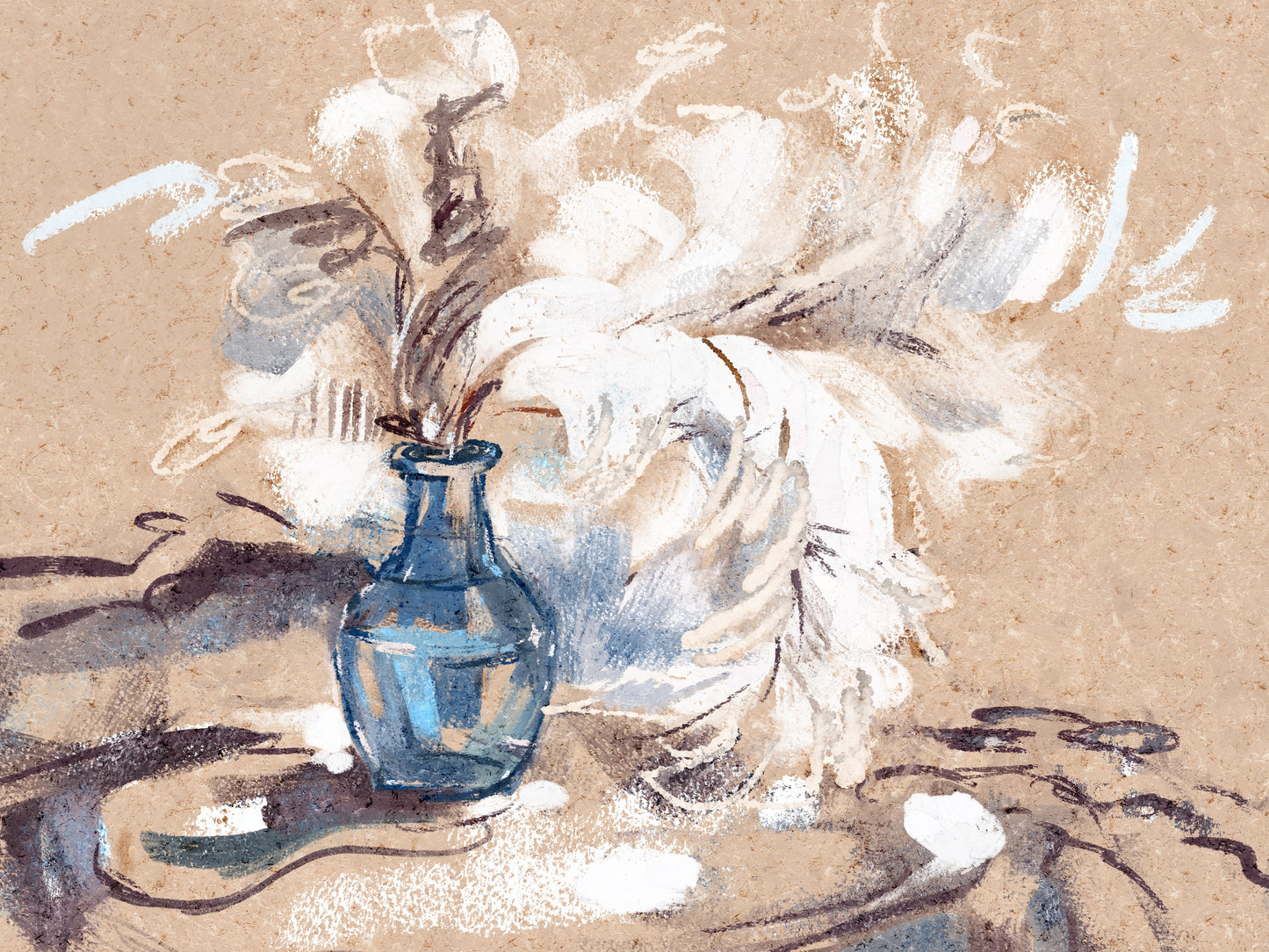
Lively, rough-textured brushes with the feel of real pigment.
These brushes are inspired by real, hand-made pastels — featuring imperfect edges, rich pigment, and organic texture. Some brushes lay down a crumbly, grainy stroke, while others blend softly and vary in opacity and coverage. Each stroke feels slightly unpredictable and highly tactile — just like working with traditional materials.
I refined this set over a long period of time — removing unnecessary brushes and keeping only the most comfortable and practical ones, so the set feels intuitive and allows for quick switching while working.
The focus was on detail brushes with varied textures, dense strokes with rough edges, a blending brush, and versatile textures that can be placed over the artwork to enhance the pastel feel even further.



Big Brushes Kit
Ultra-realistic and comfortable brushes designed to streamline your workflow and bring natural precision to every stroke.

CANVAS
High-resolution digital canvas with subtle grain and tooth, giving your artwork the authentic look and feel of real watercolor paper.

REALISTIC EFFECTS
Realistic effects that add depth and sophistication to your artwork, helping you achieve exceptional results.

Optimized for iPad
Designed for seamless performance with iPad and Apple Pencil. Enjoy tilt and pressure sensitivity for a truly natural drawing experience.

FOR PROCREATE
Created exclusively for Procreate, these brushes harness its custom dynamics—pressure, tilt and flow—so you can achieve truly authentic watercolor effects with ease.

Commercial License
Use these brushes and canvases in your commercial projects without any additional fees.
What You’ll Need:
1) An iPad, iPad Air, or iPad Pro
2) Procreate
3) Make sure your iPadOS is up to date for smooth performance
1. Download the ZIP File
Grab the provided ZIP archive.
You can download the ZIP directly on your iPad, or first save it on your MacBook and then AirDrop it to your iPad.
2. Unzip the Archive
Open the Files app on your iPad.
Find the downloaded ZIP file and tap it—iPadOS will automatically
unpack the contents.
3. Take a Look at What’s Inside
After unzipping, you’ll see:
A .brushset file containing all of the brushes
A Papers folder with two digital paper textures
4. Import Brushes and Textures into Procreate
Tap the .brushset file—Procreate will add every brush and stamp to your library.
In the Papers folder, tap each texture file to bring it into Procreate
as its own layer.
5. Using the Paper Textures
Once a texture is imported, you’ll notice a layer labeled
“Paint Here”.
Draw on that layer so your artwork sits on top of the paper’s texture.
That’s all! Your new brushes and paper textures are now waiting in Procreate.
Have fun, and enjoy creating your next masterpiece!